> ## Documentation Index
> Fetch the complete documentation index at: https://docs.docketqa.com/llms.txt
> Use this file to discover all available pages before exploring further.
# Running a Test
> Different ways to run a test on Docket
### Manual Run
You can manually trigger test runs on an individual test level or a [test suite](/essentials/test-suite) level. To trigger a run for an individual test, click the play icon on the test row:
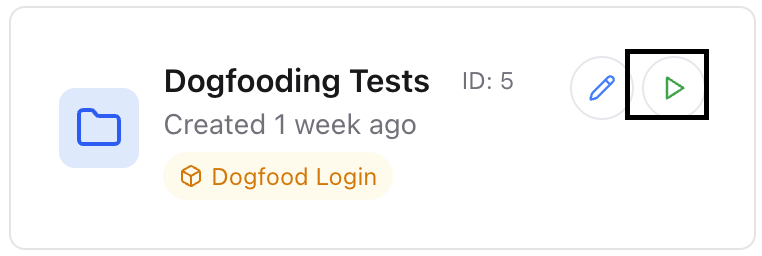
 To trigger a run for all tests in a test suite, go to the test suites tab and click play icon on any of the suites:
 ### CI/CD Integration
You can trigger a test suite to run as part of your CI/CD pipeline. See the [CI Integration](/essentials/ci-integration) page for more details on how to set this up.
### Scheduling a Run
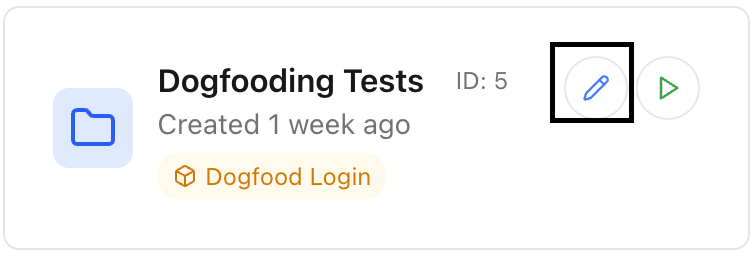
To schedule a run, you can click the edit icon on a test suite to expose the scheduling menu.
### CI/CD Integration
You can trigger a test suite to run as part of your CI/CD pipeline. See the [CI Integration](/essentials/ci-integration) page for more details on how to set this up.
### Scheduling a Run
To schedule a run, you can click the edit icon on a test suite to expose the scheduling menu.
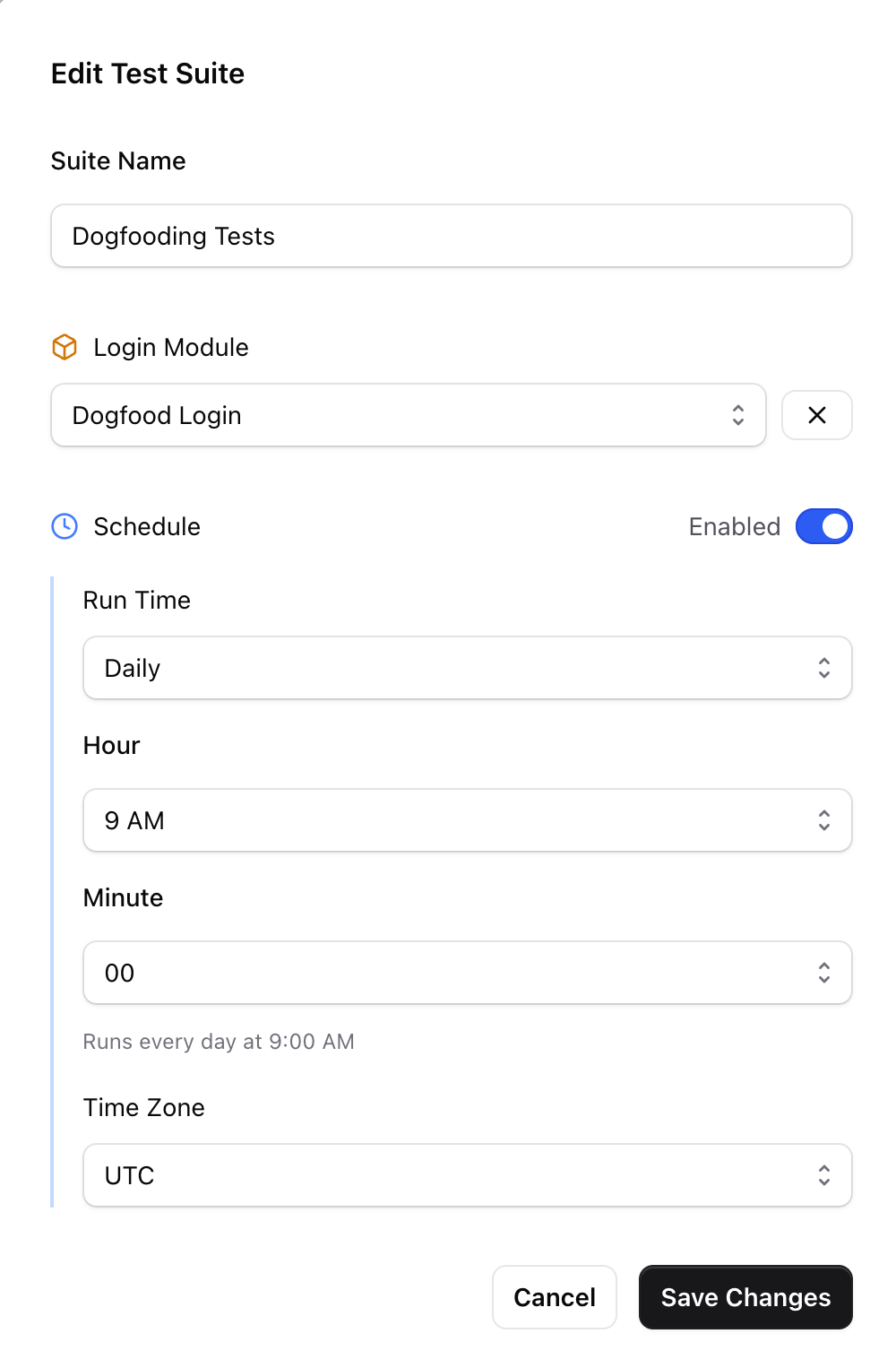 This will allow you to schedule test runs on a Daily, Weekly, or Hourly cadence. You can also specify your on custom cron tab schedule. When specifying this schedule, please follow the format of [AWS EventBridge](https://docs.aws.amazon.com/eventbridge/latest/userguide/eb-scheduled-rule-pattern.html#eb-cron-expressions). An easy way to figure out the schedule is to copy that entire page into ChatGPT and describe your desired in plain english, and ask it to output the right result (we will embed this functionality into Docket soon as well!).