

Test Suite
Test suites are collections of tests on Docket. They are used to organize tests into logical groups that you might want to run together.Next Step: After creating a test suite, you can create individual tests to add to the suite.
Creating a test suite
To create a test suite, navigate to the test suites tab.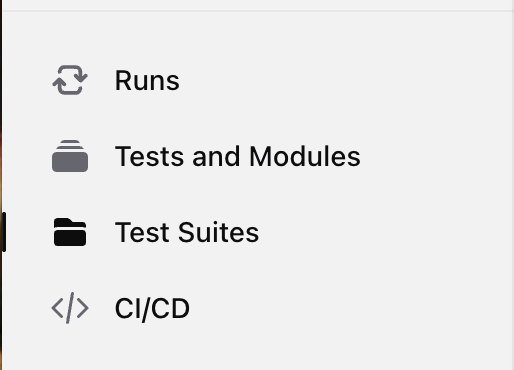
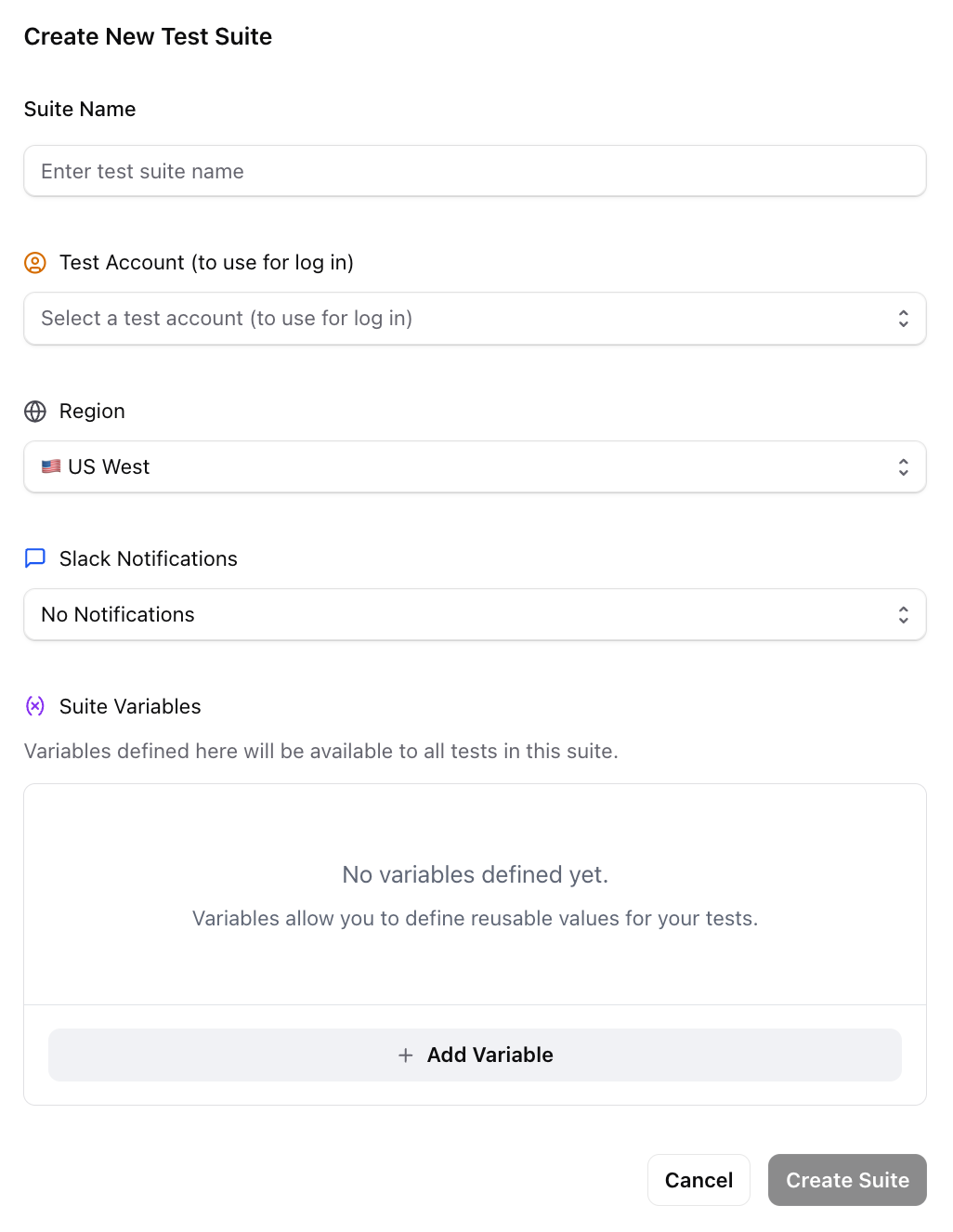
Accounts
Think of accounts as username and password configurations that Docket uses to log in. You can assign accounts to test suites, which will then use that account to authenticate for all tests in the suite. Docket will navigate to the provided URL and log in with the credentials. The browser state (cookies, local storage) that results from this login will be copied as the starting point for all other test runs.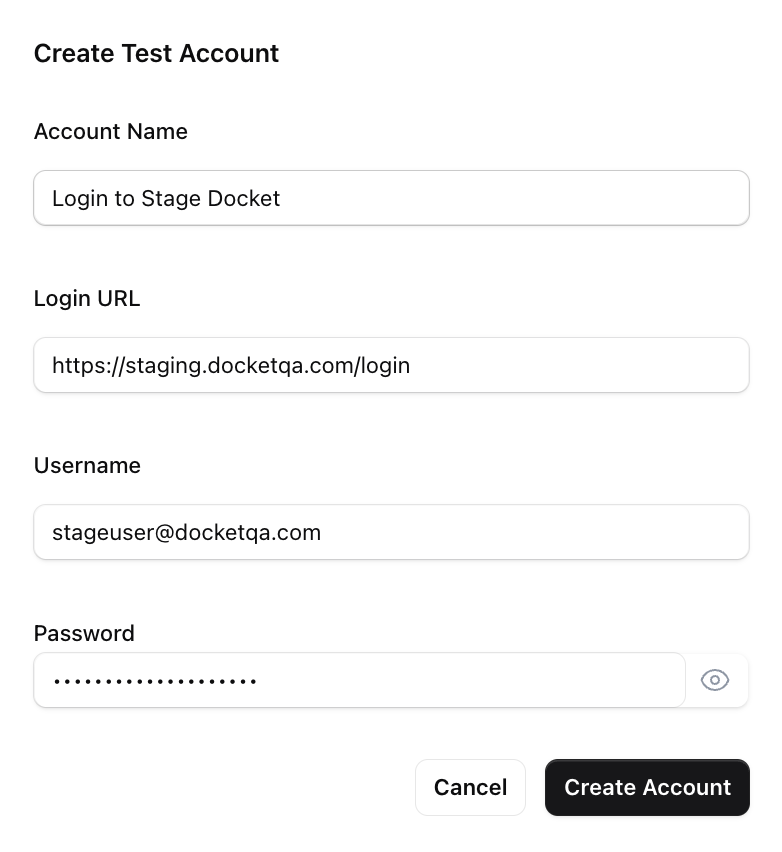
Region
Select the geographical region where your tests will execute. Choose a region close to your servers for best performance and lower network latency.Notifications
Configure email, Slack, or webhook notifications for test results.Variables
Define key-value pairs at the suite level and reference them in test steps using@variable_name syntax.
Mark random or email variables as fixed to share the same generated value across all tests in a suite run.
Agent Rules
Add suite-level agent rules that apply to all tests in the suite. These are combined with your company-wide rules.Scheduling a Test Suite
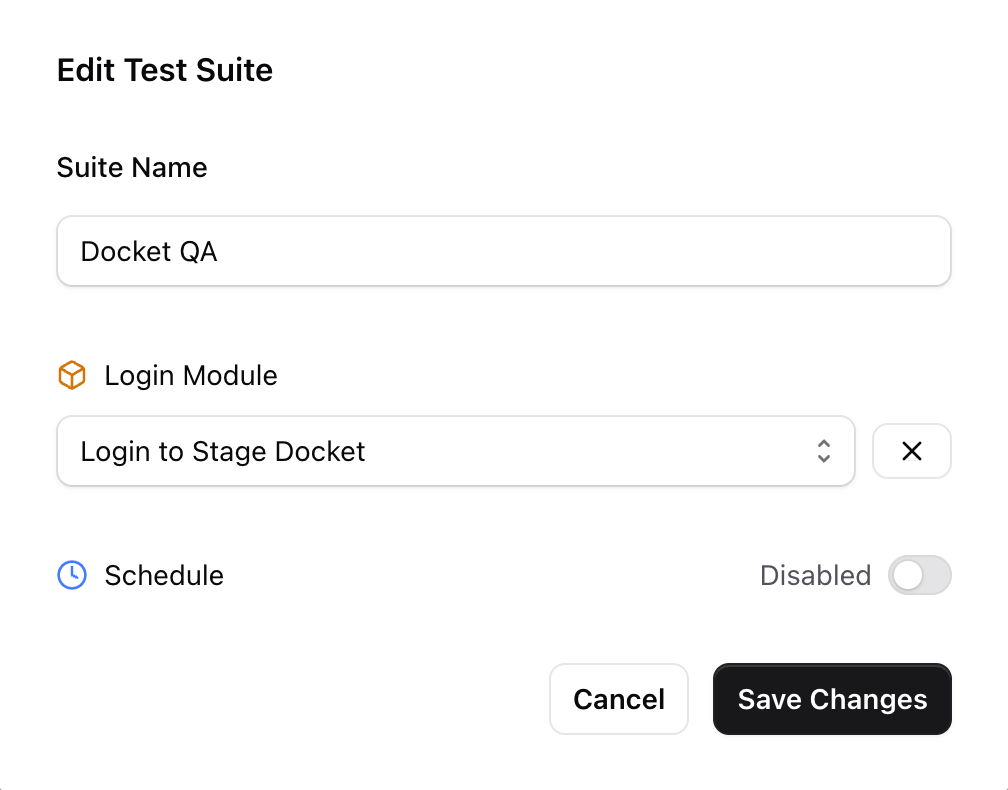
You can also schedule all tests in a given test suite to run at regular intervals. See the scheduling section in the Running a Test guide for instructions on how to set this up. Related Pages:- Creating a Test - Learn how to add tests to your suite
- Running a Test - Different ways to execute your tests