

Bulk Create
Bulk create lets you import existing test cases from a document and create multiple Docket tests in a single operation. This is ideal for migrating test cases from spreadsheets, test management tools, or written documentation.Getting Started
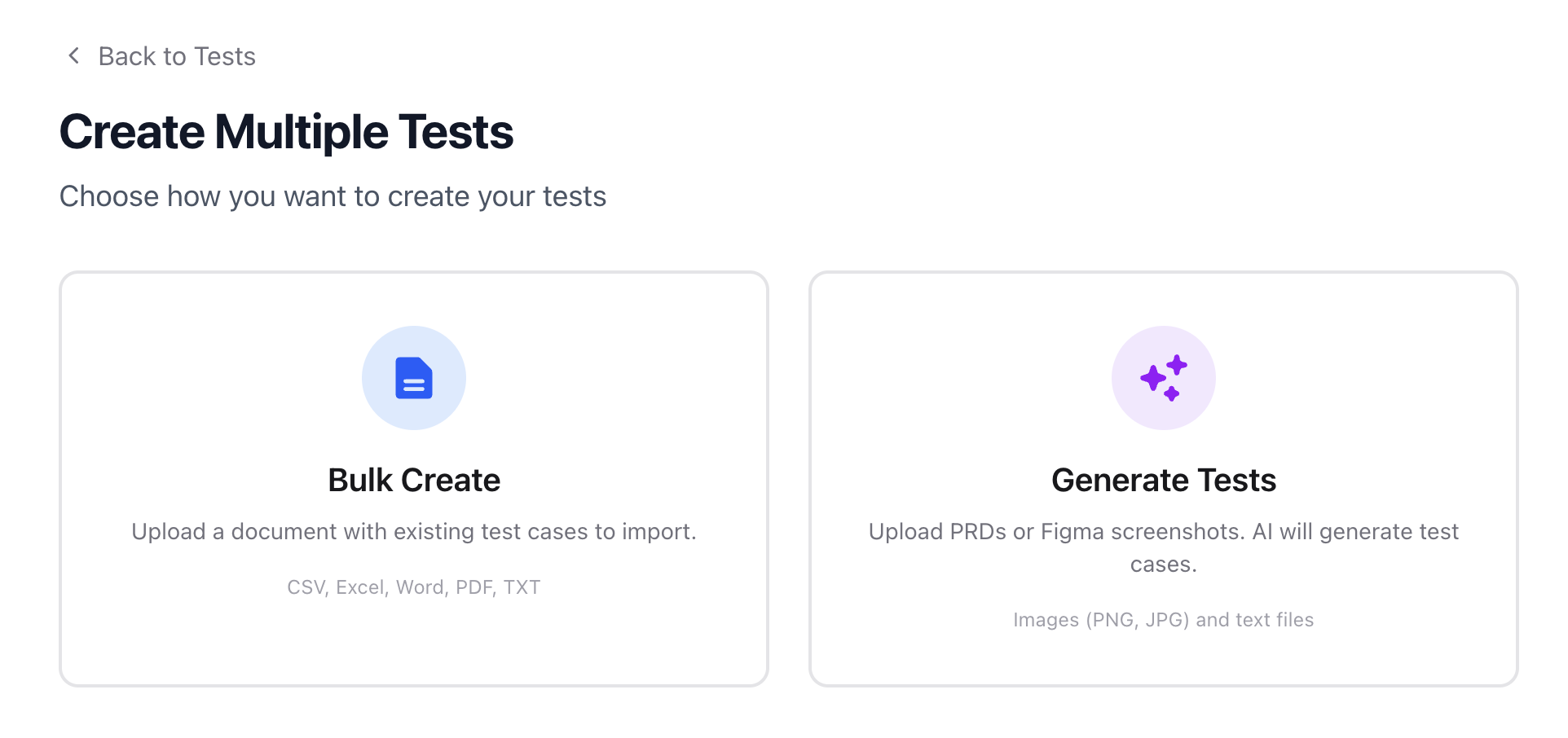
Navigate to the Tests tab and click Create Multiple Tests. You’ll see two options:- Bulk Create — Import test cases from an existing document
- Generate Tests — Use AI to generate test cases from PRDs or screenshots
Uploading a Document
Drag and drop your file or click to browse. Docket parses the document and extracts individual test cases automatically. Supported formats: CSV, Excel (.xls, .xlsx), Word (.doc, .docx), PDF, TXT, RTF
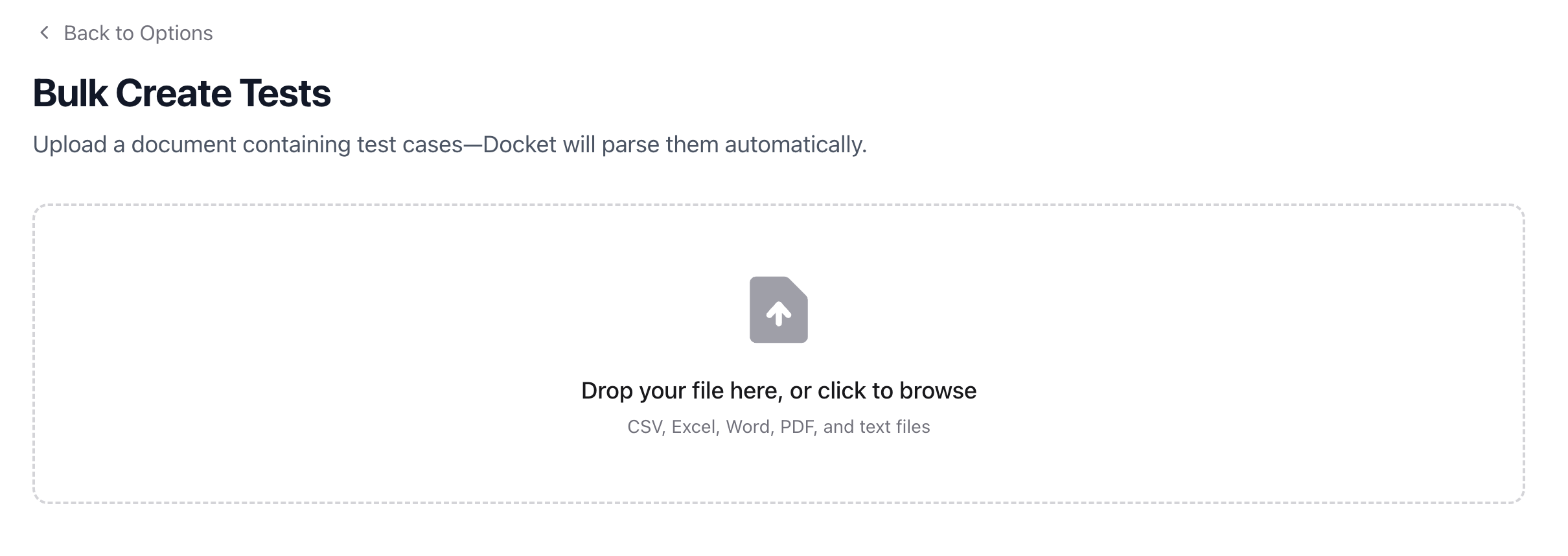
- Upload — Your file is uploaded and queued for processing
- Format & Parse — Docket extracts and structures the test cases from your document
Reviewing Parsed Tests
Once parsing completes, you’ll see a list of extracted test cases. Each test case shows its title and steps, and can be expanded for review.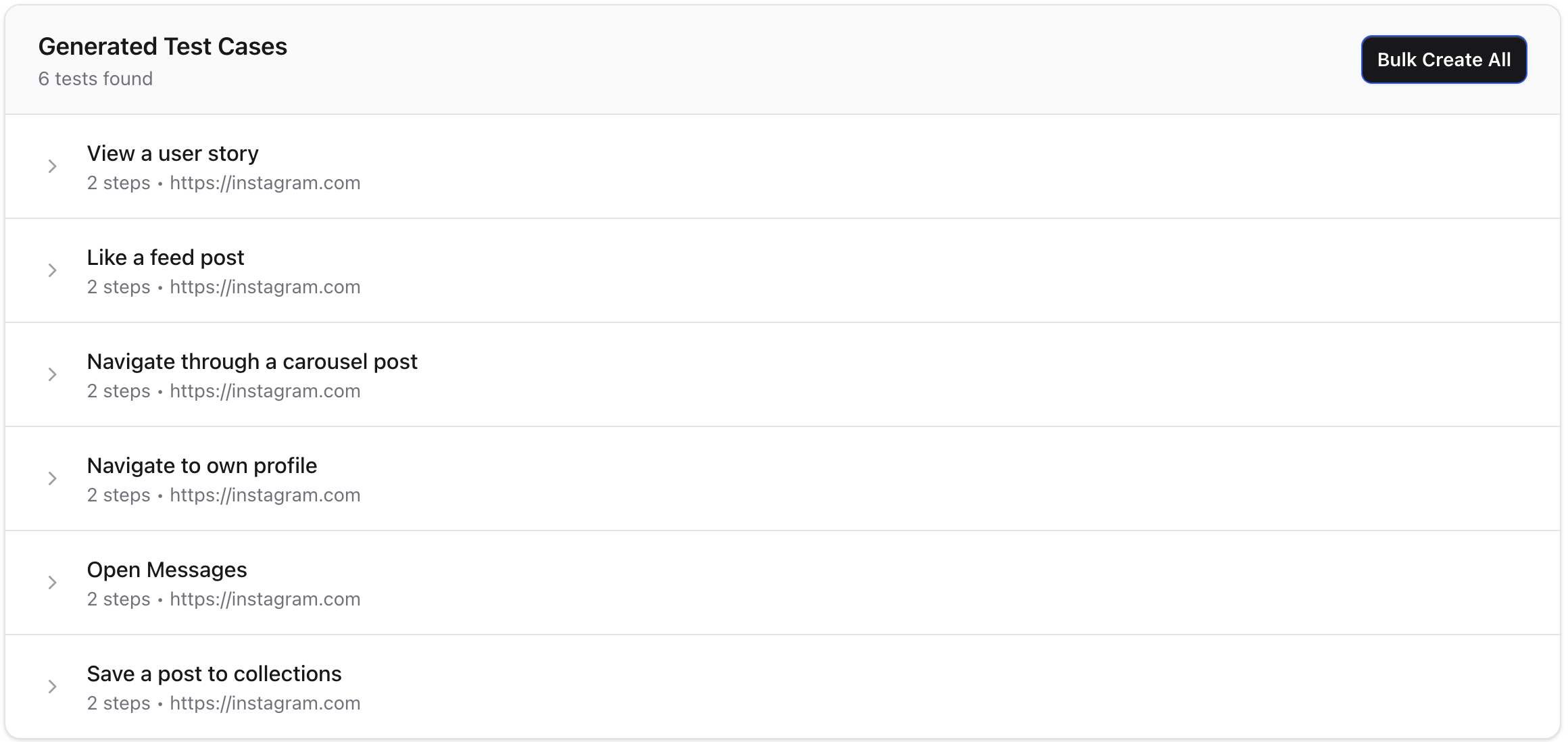
- Bulk Create All — Create all parsed tests at once with shared settings (test suite, viewport, browser zoom)
- Create Test — Create an individual test case and open it in the editor for fine-tuning
- Upload Another File — Start over with a different document
Best Practices
- Structure your source document clearly — Use consistent formatting with distinct test titles and numbered steps for best parsing results
- Review before creating — Skim the parsed output to catch any misinterpretations before bulk creating
- Use CSV for structured data — CSV files with columns for test name, steps, and URL tend to parse most reliably
- Organize first — Navigate to the desired folder before starting a bulk create to keep your tests organized