

Overview
Beyond manual runs and scheduling, Docket provides several ways to trigger tests programmatically or chain tests together.API Trigger
You can trigger test runs via the Docket API. This is useful for integrating Docket into custom workflows, deployment scripts, or automation pipelines outside of GitHub Actions. Trigger a test suite:Trigger Run Step (Test Chaining)
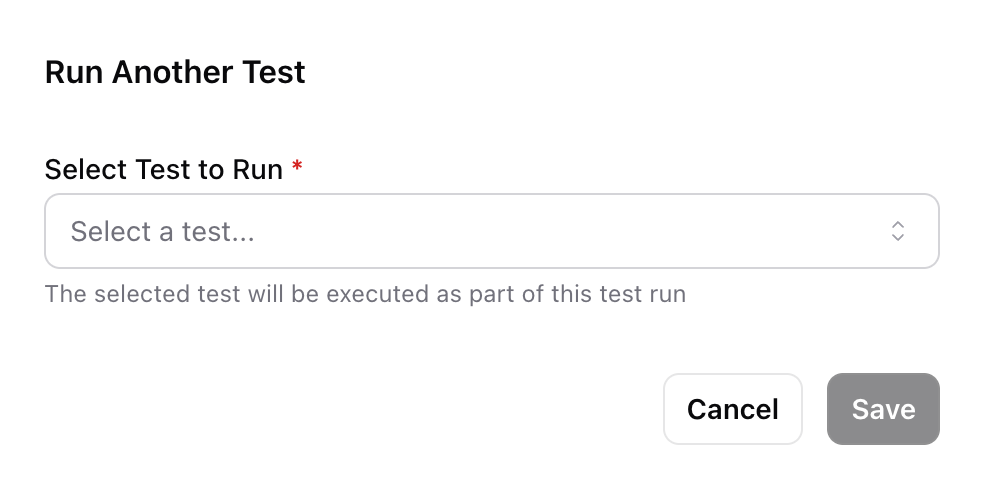
A Trigger Run step lets you execute another test as part of the current test flow. This is useful for composing complex end-to-end scenarios from smaller, reusable tests. To add a trigger run step:- Click Add Step in the test editor
- Select Trigger Run
- Choose the target test to execute
Variable Mappings
When triggering another test, you can map variables from the current test to the target test’s variables. This lets you pass data between tests — for example, passing a generated user ID from a registration test into a login test.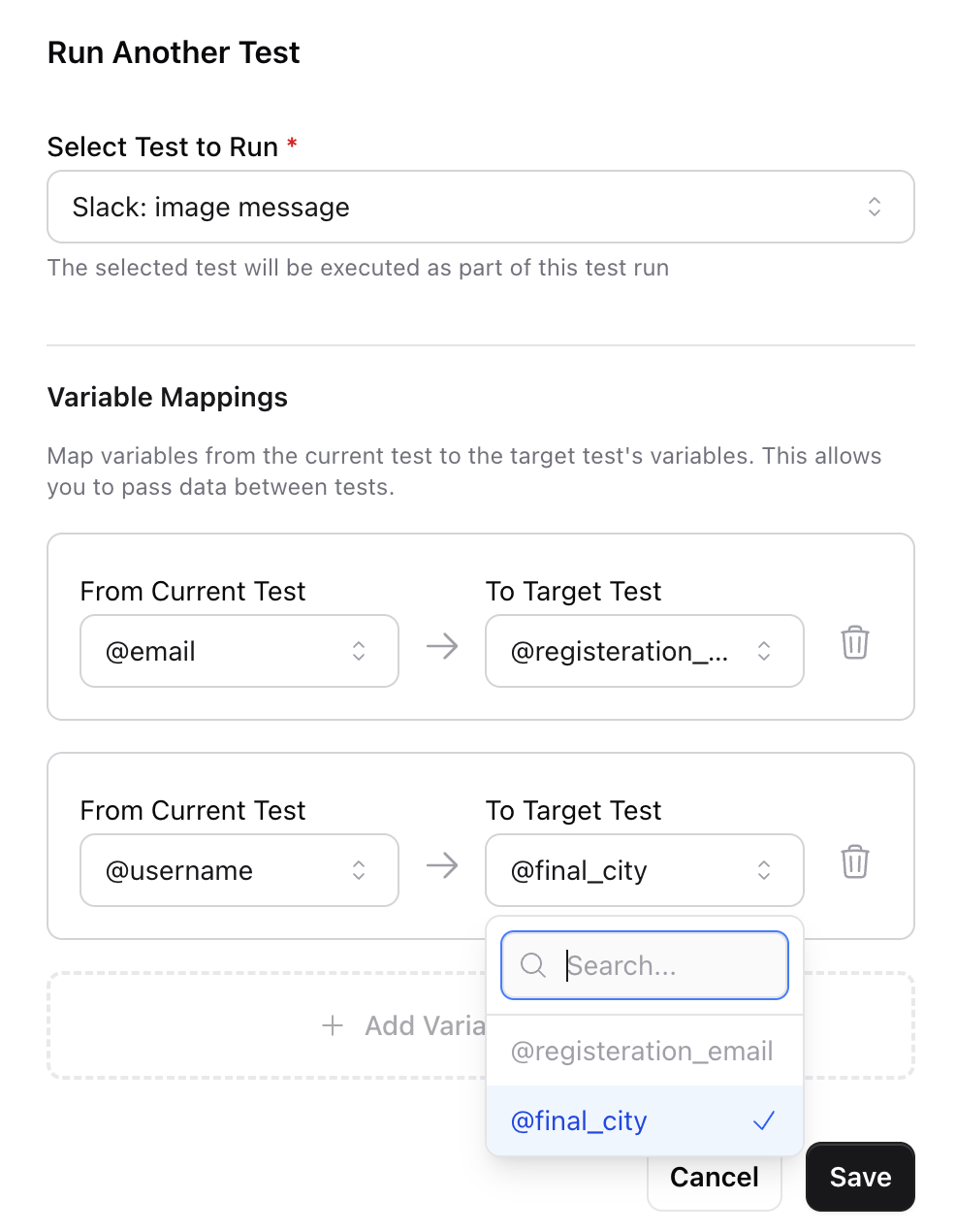
Suite Run Behavior
Individual tests can be configured to require an explicit trigger rather than running as part of a suite. This is configured in the test’s Advanced Settings:- Always Run (default) — The test runs whenever its parent suite is triggered
- Require Individual Trigger — The test is skipped during suite runs and must be triggered on its own